A ggplot2 theme that follows the Core Surveillance visual guidelines. You can configure the grid lines and the formatting.
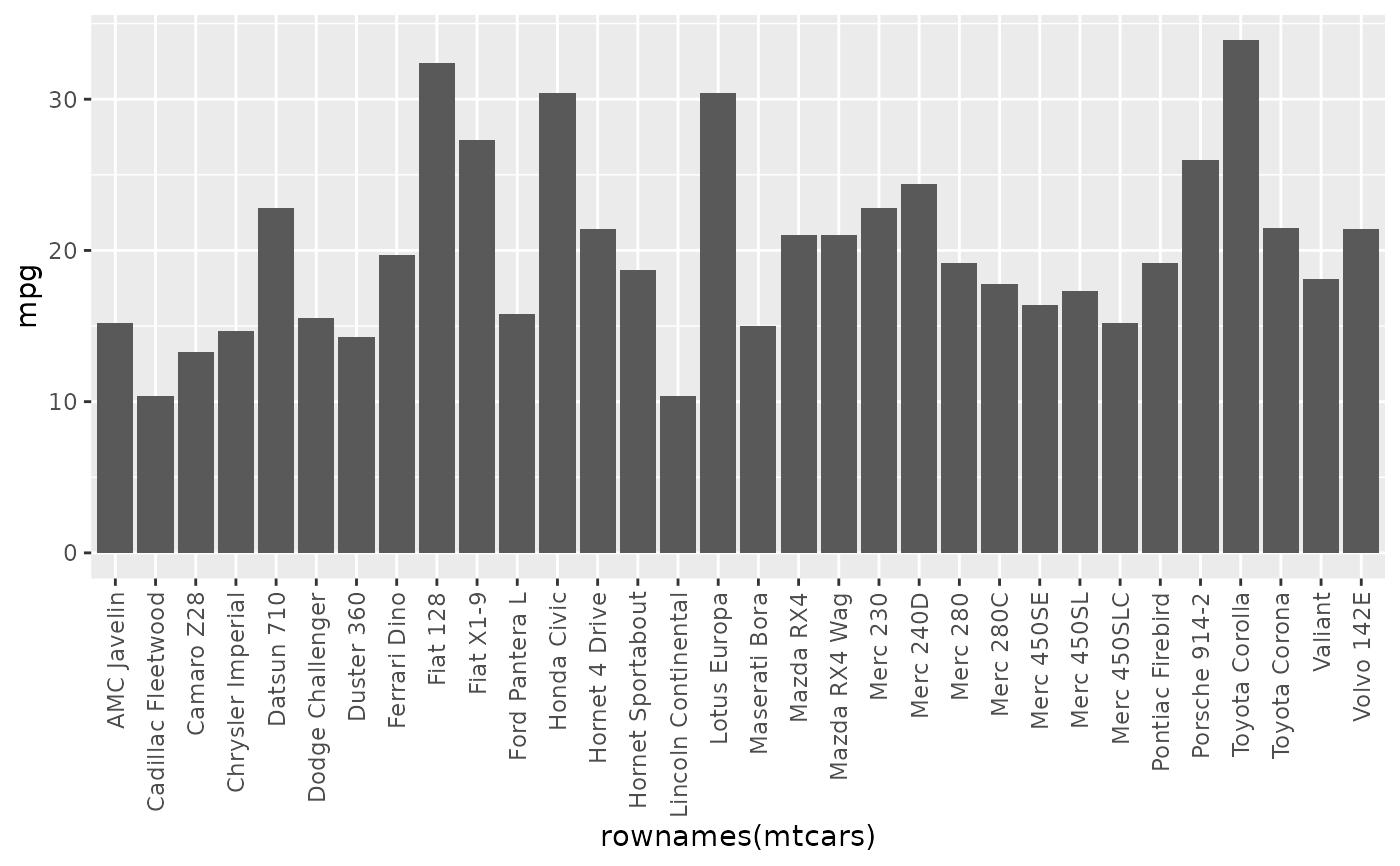
Returns a ggplot2 theme component that turns the x-axis tick labels vertical. Add it to a plot as you add any other theme element.
Usage
theme_cs(
  base_size = 16,
  base_family = "",
  base_line_size = base_size/22,
  base_rect_size = base_size/22,
  legend_position = "right",
  x_axis_vertical = FALSE,
  panel_on_top = TRUE,
  panel.grid.major.x = FALSE,
  panel.grid.minor.x = FALSE,
  panel.grid.major.y = TRUE,
  panel.grid.minor.y = TRUE
)

set_x_axis_vertical()
Arguments
- base_size
Base font size in points. Default 16.
- base_family
Base font family. Default
"".- base_line_size
Base line size, relative to
base_size. Defaultbase_size / 22.- base_rect_size
Base rectangle size, relative to
base_size. Defaultbase_size / 22.- legend_position
Position of the legend. One of "right", "left", "top", "bottom" or "none". Default "right".
- x_axis_vertical
Logical. Set to
TRUEto turn the x-axis labels vertical. DefaultFALSE.- panel_on_top
Logical. Set to
TRUEto draw the panel on top of the data. DefaultTRUE.- panel.grid.major.x
Logical, or a ggplot2 element. Major vertical grid lines. Default
FALSE.- panel.grid.minor.x
Logical, or a ggplot2 element. Minor vertical grid lines. Default
FALSE.- panel.grid.major.y
Logical, or a ggplot2 element. Major horizontal grid lines. Default
TRUE.- panel.grid.minor.y
Logical, or a ggplot2 element. Minor horizontal grid lines. Default
TRUE.
See also
Other csstyle_ggplot2:
scale_color_cs(),
scale_fill_cs()
Examples
library(ggplot2)
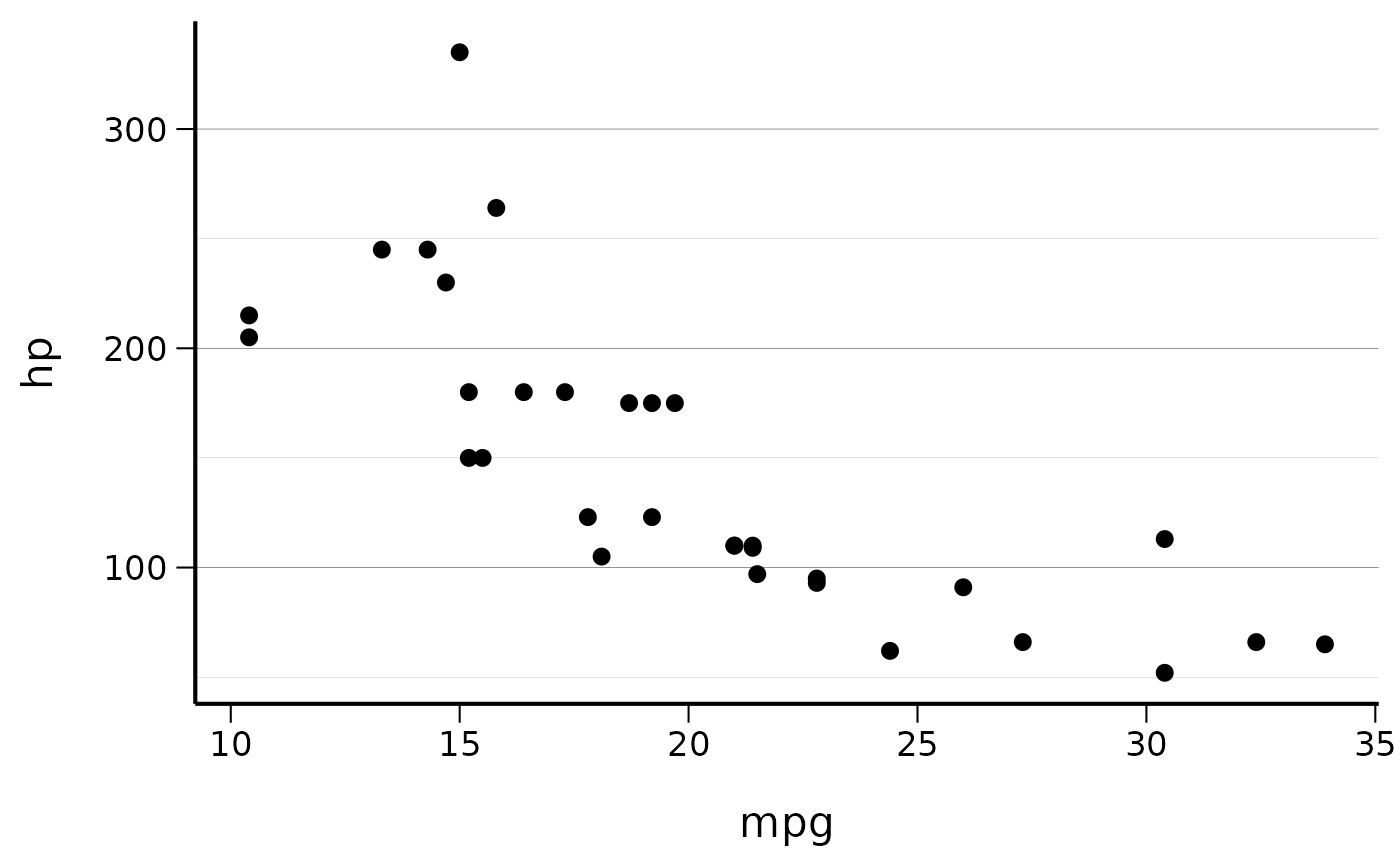
# Basic usage with default settings
ggplot(mtcars, aes(x = mpg, y = hp)) +
geom_point() +
theme_cs()
 # With custom settings
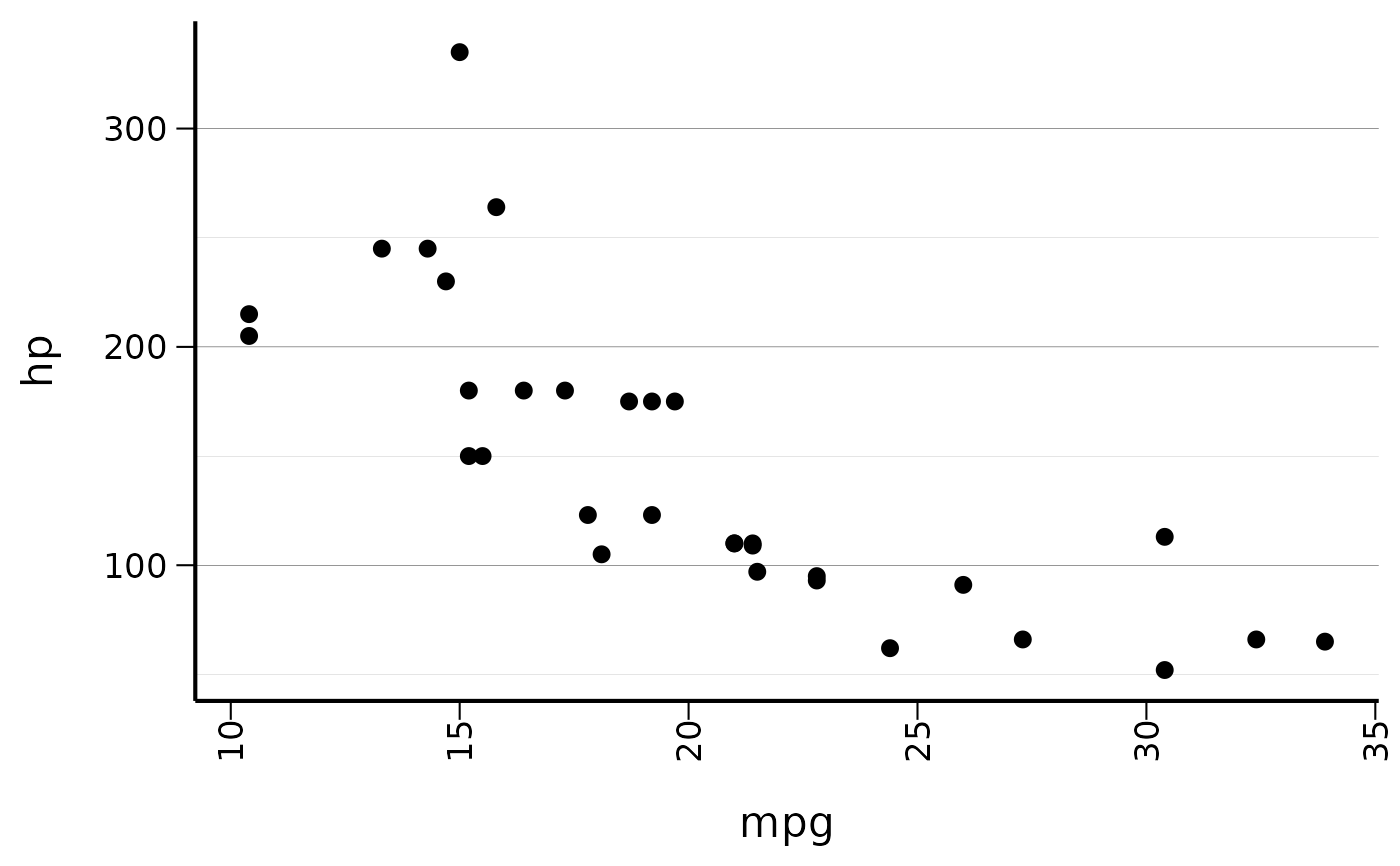
ggplot(mtcars, aes(x = mpg, y = hp)) +
geom_point() +
theme_cs(legend_position = "bottom", x_axis_vertical = TRUE)
# With custom settings
ggplot(mtcars, aes(x = mpg, y = hp)) +
geom_point() +
theme_cs(legend_position = "bottom", x_axis_vertical = TRUE)
 library(ggplot2)
# Add vertical x-axis labels to any plot
ggplot(mtcars, aes(x = rownames(mtcars), y = mpg)) +
geom_col() +
set_x_axis_vertical()
library(ggplot2)
# Add vertical x-axis labels to any plot
ggplot(mtcars, aes(x = rownames(mtcars), y = mpg)) +
geom_col() +
set_x_axis_vertical()